
how-to-crop-in-figma How to Crop in Figma design tips

How to Crop in Figma

Cropping is a fundamental design technique used to remove unwanted portions of an image, focus on specific areas, or adjust the aspect ratio. In this article, we will guide you through the process of cropping images in Figma and discuss additional tips to help you make the most of this ess… Source


Read more
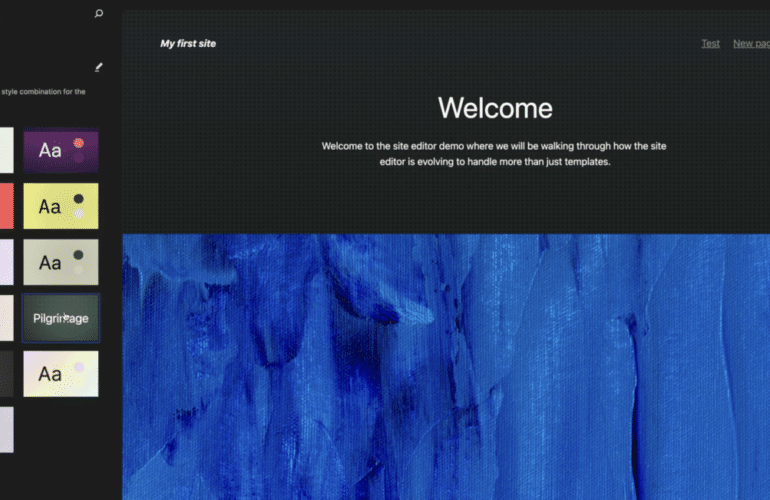
1683049961-3-770x500 Sustainability Team • Supporting Organizations • Commercial & Community Themes & Plugins • Pattern Curation • Post Status design tips

Sustainability Team • Supporting Organizations • Commercial & Community Themes & Plugins • Pattern Curation • Post Status

The WordPress Sustainability Team has launched. What’s that? The main objective of the team is to embed sustainable practices into the WordPress community and its processes. We focus on ensuring longevity; socially, economically, and environmentally.Several organizations exist to support the work of WordPress, such as The WP Community Collective and HeroPress. Matt is proposing a…

Read more
how-to-prototype-in-figma How to Prototype in Figma design tips

How to Prototype in Figma

Prototyping is a crucial step in the design process, allowing designers to create interactive mockups of their products, test functionality, and gather feedback before moving on to development. Figma is a powerful design tool that offers robust prototyping capabilities, making it an excell… Source

Read more
ai-models Design Trend: AI-“Models” in Images or Hero Areas design tips

Design Trend: AI-“Models” in Images or Hero Areas

Can you spot AI-inspired imagery when you see it? There’s a trend in website design projects with hero images that feature models who maybe aren’t quite human. But then again, maybe they are. The line between reality and artificially created images is beginning to get blurred all the t… Source

Read more